
01
Self-hosted reference adapter
Control agent impact before it reaches GitHub.
A coding agent should not receive write credentials. GitHub Gateway checks repository state, branch, scope, policy and evidence before a pull request is created.
No auto-merge. No direct agent write credential. Human review remains required. No semantic code check. No secret scanning.
Self-hosted first: repository access, GitHub App credentials, Runner Keys, payloads, diffs, and Gateway logs stay in your environment.
Decision outcomes
Every proposal should end in a visible outcome.
Blocked
The request is outside policy or scope, so no repository impact is produced.
Admitted
The request passed the boundary and can create or update a reviewable pull request.
Reused
The same admitted effect uses the existing Gateway pull request instead of creating another one.
Same-PR follow-up
A previous pull request can be updated after review feedback if the repository state still matches.
Conflict
The request must stop and re-read repository state before retrying.
Setup flow
Six steps from local Gateway to story demo.
02
Create or connect a GitHub App
03
Install it on your test repository
04
Create a Runner Key
05
Add a GitHub Read Token to data/agents.env
06
Use it to control your agent's impact
Setup paths
Choose your setup path
Docker Desktop is required. Use a test repository first. The agent must not have GitHub write credentials. The Gateway private key stays with the Gateway, while the agent uses GITHUB_READ_TOKEN for GitHub reads and a separate Runner Key for Gateway submits.
Packaged ZIP
Source-free package for local evaluation. Includes Docker image, compose file, docs, examples, and test repository template.
GitHub repository
Follow the repository for source, docs, releases, and issue feedback.
Setup guide
Step-by-step setup for GitHub App, Runner Key, GitHub Read Token, and story demo.
Credential model
Separate GitHub write authority from agent execution.
The Gateway owns the GitHub write identity. The agent receives only the credential needed to submit an intent to the Gateway and a separate read-only GitHub token for repository observation.
GitHub App private key
Gateway write identity. Never give it to the agent.
Runner Key
Agent-to-Gateway submit credential. Not a GitHub token.
GitHub Read Token
Agent-to-GitHub read-only credential. No write permissions.
Security boundary
The Gateway is the write actor. The agent is not.
This is the trust split. The agent can propose repository work, but the Gateway holds the path that can create or update pull requests.
If the request is missing state, outside scope, or rejected by policy, nothing reaches GitHub as write impact.
What it enables
- Creates reviewable PRs through GitHub App
- Enforces branch and path policy
- Supports controlled same-PR follow-up
- Records decisions for operator review
What it prevents
- Does not auto-merge
- Does not bypass repository protections
- Does not give agents write credentials
- Does not prove semantic correctness
- Does not store payloads beyond configured scope
Deployment path
Start self-hosted while credentials, payloads, diffs, and logs stay in your infrastructure.
Self-hosted nowCloud later
Decision flow
Watch the guard decide.
Replay a sanitized recorded Gateway run. The browser chooses only the scenario ID; this page does not contact a live Gateway or GitHub repository.
Recorded runs use sanitized Gateway results. No secrets, payloads, raw file contents, or private repository data are displayed.
Scenario: Review feedback updates the same Gateway PR
Gateway decision
Not run
Agent session log
Current checks
Active step: idle
Timeline is local. The browser sends only the recorded scenario ID.
Intent
not reached
Format
not reached
Rules
not reached
Target
not reached
Content
not reached
Drift
not reached
Replay
not reached
Decision
not reached
Outcome
not reached
Decision status
Not runImpact: not run
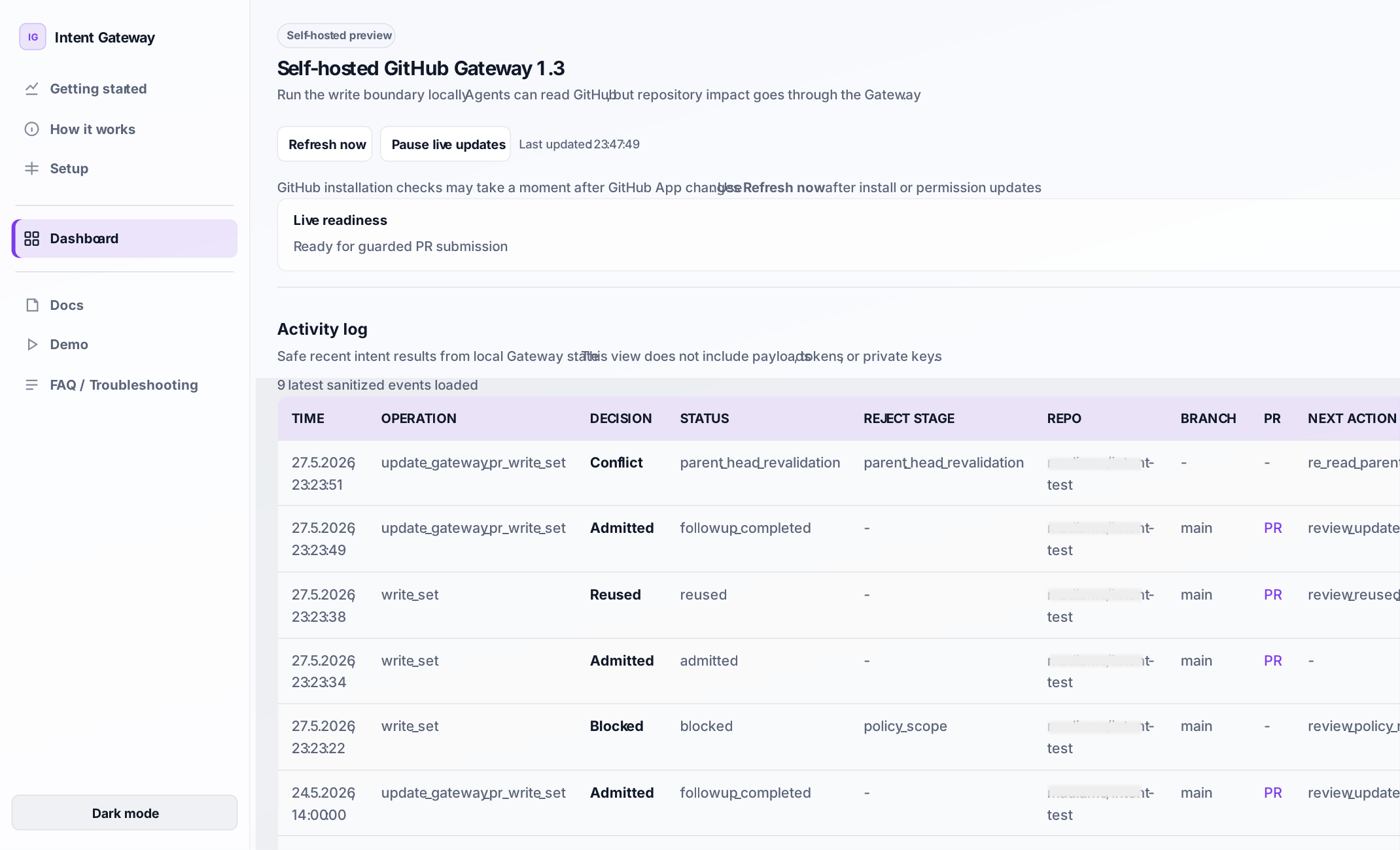
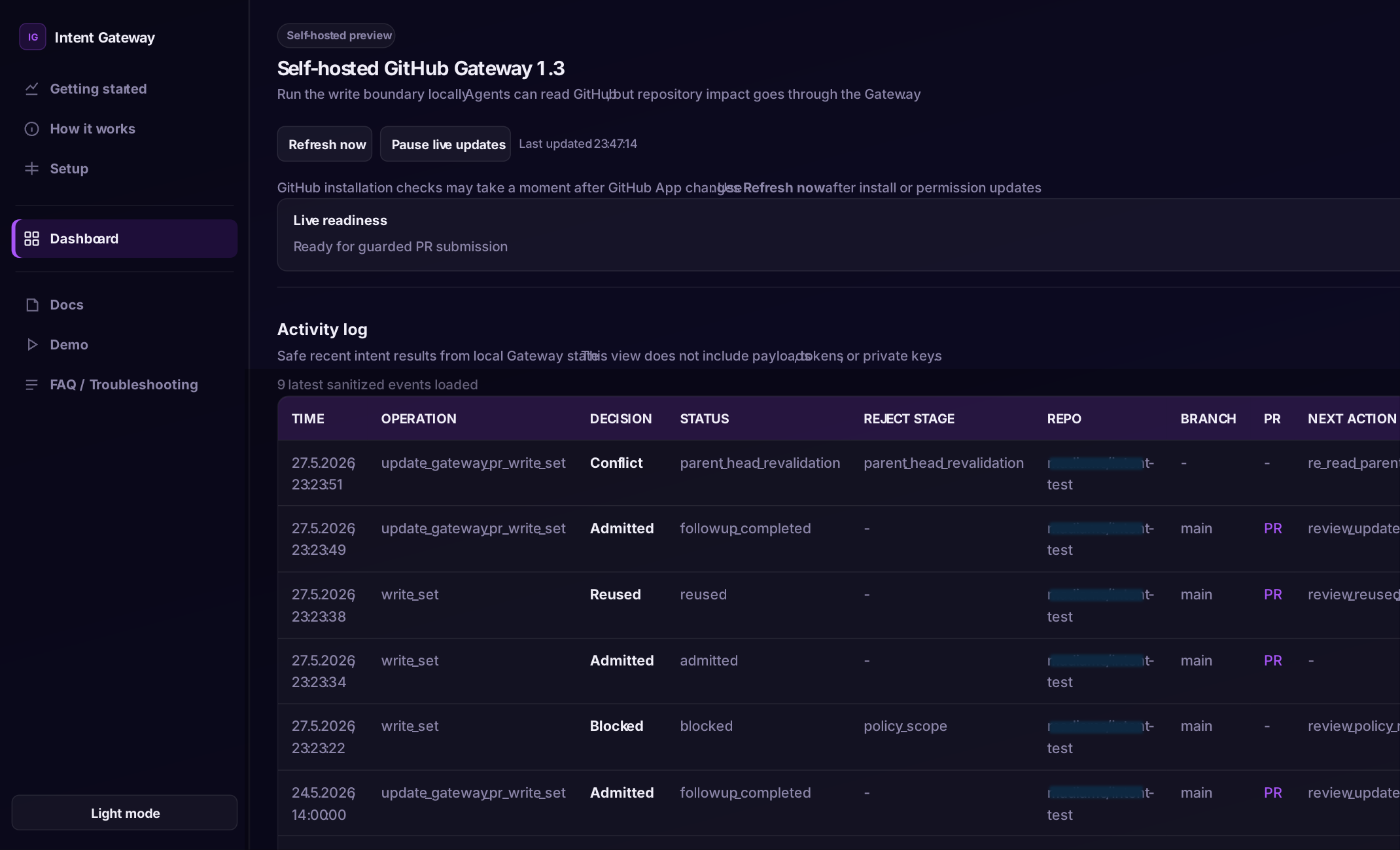
Recent Decisions
| Time | Operation | Decision | Status | Reject stage | Impact | Output | Next action |
|---|---|---|---|---|---|---|---|
| Replay a recorded run to add decisions. | |||||||
Recorded output is sanitized. Payloads, secrets, runner keys, raw file contents, private repository names, internal identifiers, and IP addresses are not displayed.